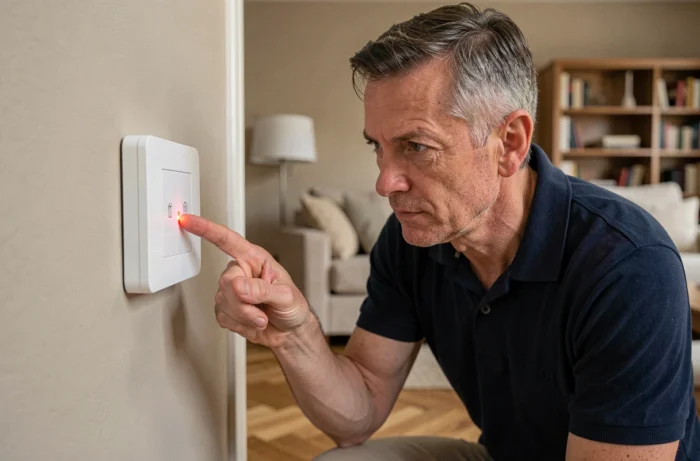
On Delta Dore alarm and home automation systems, a flashing red light indicates a supervision fault: the control panel has not received a signal from a device within the expected timeframe. This monitoring mechanism regularly checks that each element of the network (detector, siren, transmitter) is communicating correctly. Understanding what this fault entails allows for intervention on the correct cause, without unnecessarily replacing functional components.
X3D Radio Supervision: The Mechanism Behind the Red Light
Delta Dore equipment communicates via the proprietary X3D radio protocol. Each device periodically sends a presence signal to the control panel. If this signal does not arrive within the expected window, the control panel logs a supervision fault and activates the flashing red light on the keypad or transmitter.
This fault does not necessarily mean that the device is malfunctioning. Supervision detects a lack of communication, not a hardware failure per se. The cause may be a physical obstacle that has appeared between the detector and the control panel, a depleted battery preventing radio transmission, or simply excessive distance.
When a Delta Dore supervision fault red light appears on your installation, the first step is to identify which device is affected. On the TYXAL+ control panels and the TYDOM 2.0 transmitter, the event log accessible from the touchscreen keypad or the Tydom app specifies the faulty element.
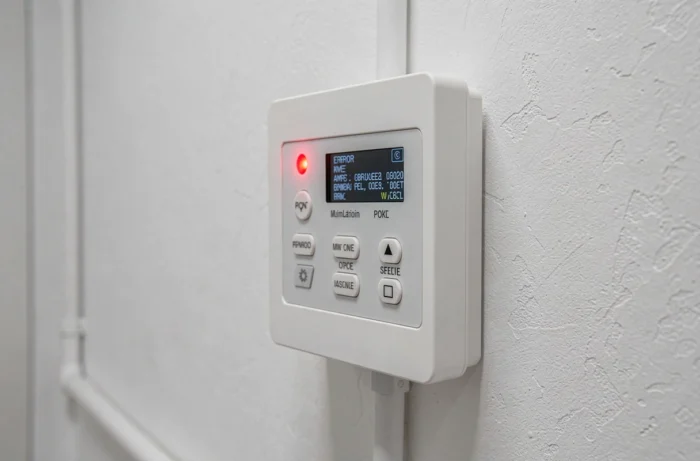
Batteries and Power Supply: The Most Common Cause of Flashing
In most cases, a flashing red light comes from a device whose batteries are too weak to emit its radio signal. The detector still operates locally, but its transmission range decreases with the residual voltage of the batteries.
A often overlooked point: new batteries of poor quality or unsuitable for the model can cause the same symptom. Delta Dore detectors typically require specific lithium batteries. Standard alkaline batteries, even new ones, may not provide the necessary voltage in cold conditions (garage, unheated outbuilding).
After replacing the batteries, the supervision fault does not always disappear immediately. The control panel waits for the next communication cycle to validate the device’s return. This delay can range from a few minutes to several hours depending on the configuration. Forcing a resynchronization from maintenance mode speeds up this verification.
Configuration Error on Delta Dore GP 500 Load Shedders
The flashing red light is not limited to alarm systems. On next-generation load shedders like the GP 500, this same visual signal can indicate a different problem: a configuration error or a wiring fault in the shed circuits.
Recent manuals for this model specify several verification points to perform before concluding a malfunction:
- The positioning of the measurement toroid on the main power cable must be correct (direction of cable passage and tightening of the toroid).
- The consistency between the physically connected circuits and those declared in the load shedder’s software configuration must be verified.
- After any wiring modification, a reset followed by a complete reconfiguration of the device is necessary for the light to turn off.
Moreover, on ranges compatible with EDF’s Tempo schedule (like the GP 41 Tempo), certain state changes related to tariff days can trigger a red light or visual alert. This behavior corresponds to a programmed forced stop mode, not a supervision fault in the traditional sense. Checking the current tariff schedule avoids unnecessary diagnostics.
Communication Path Supervision on TYDOM 2.0
Updated manuals for the TYDOM 2.0 transmitter expand the scope of supervision. The fault no longer only concerns detectors and sensors: the continuity of GSM and IP communication paths is also monitored.
Specifically, if the internet connection of the TYDOM 2.0 is interrupted or if the GSM network becomes unavailable (operator failure, expired SIM card, insufficient coverage area), the control panel may signal a supervision fault with a red light. The system checks that its alert transmission channels remain operational.
Some situations generate this type of alert without a real installation failure:
- A temporary internet box outage (ISP firmware update, brief power cut) is enough to trigger the fault.
- Using a prepaid or limited plan SIM card can lead to silent expiration, causing the TYDOM 2.0 to lose its GSM path without prior notification from the operator.
- Moving the transmitter or adding metallic equipment nearby can degrade GSM reception below the supervision threshold.
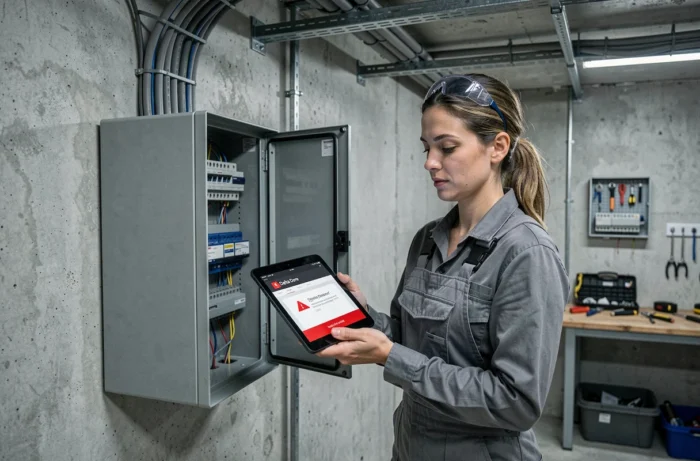
Resolving the Fault: Step-by-Step Diagnosis
To address a flashing red light methodically, the verification sequence follows a logical order, from the simplest to the most technical.
Identify the Faulty Device
From the CLT 8000 TYXAL+ touchscreen keypad or the Tydom app, check the fault log. The system displays the name and type of the element that is no longer responding. Without this identification, any intervention is random.
Check the Power Supply
Replace the batteries of the affected device with new ones of the type recommended in the manual. If the device is powered from the mains (outdoor siren, transmitter), check the dedicated circuit breaker and the condition of the power cable.
Check the Radio Range
If the fault persists after replacing the batteries, test the communication by temporarily bringing the device closer to the control panel. A fault that disappears at close range confirms a radio range issue. Adding an X3D repeater may then be necessary.
Resynchronize in Maintenance Mode
Switch the control panel to maintenance mode via the keypad, remote control, or badge reader (supervision in stop mode required). Start a device search to force resynchronization. The fault should clear once the device is detected.
If none of these steps resolve the issue, the device itself may have a hardware fault (damaged radio circuit, triggered self-protection in a loop). Replacing the component or the intervention of a certified Delta Dore installer remains the last option before considering a fault in the control panel itself.